Experience breathtaking 4K visuals on any device, at any place, at any time. Discover an expansive library with over 30,000 channels and more than 140,000 VOD options, all backed by a reliable 100% uptime guarantee.
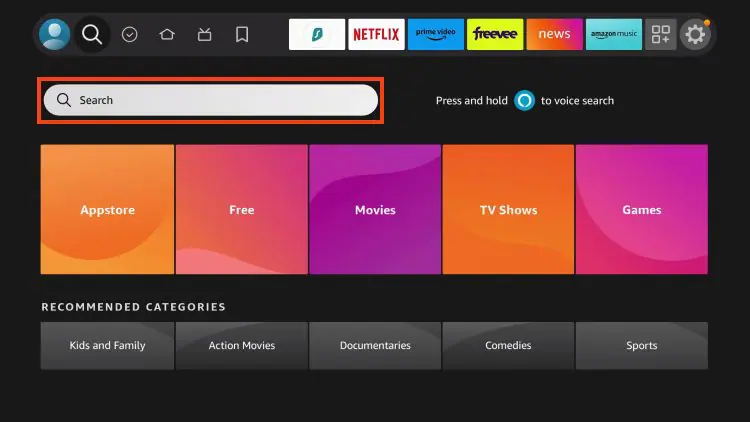
Step 1 Click Settings on your FireStick/Fire TV home screen.
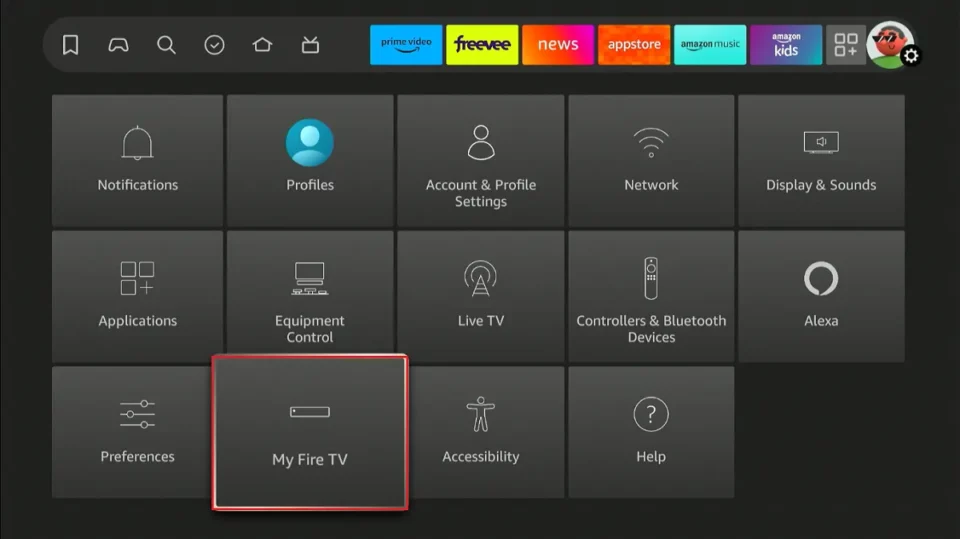
Step 2 Navigate to My Fire TV
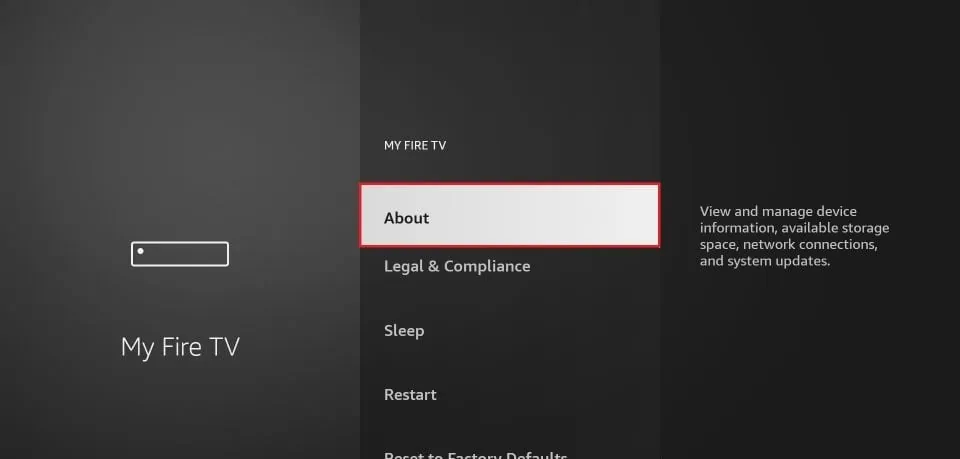
Step 3 Click About
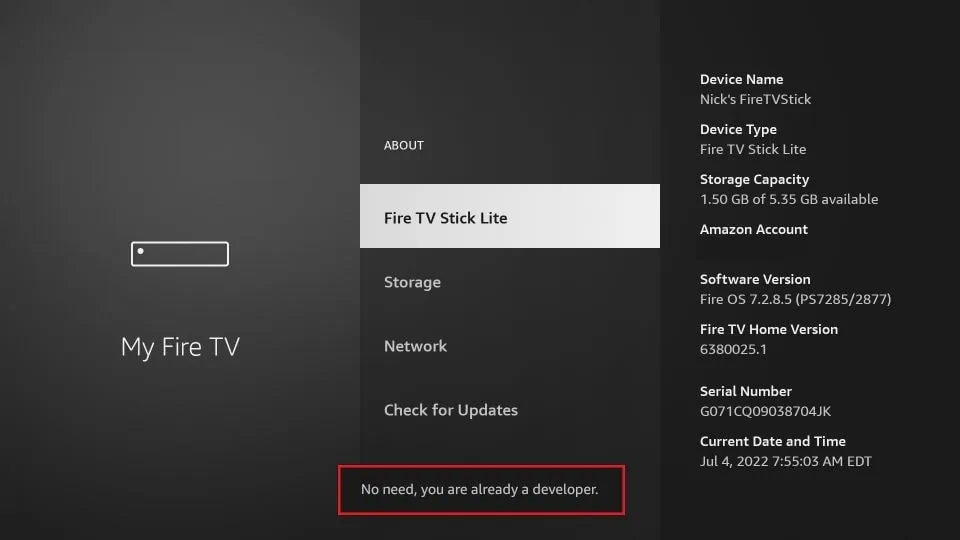
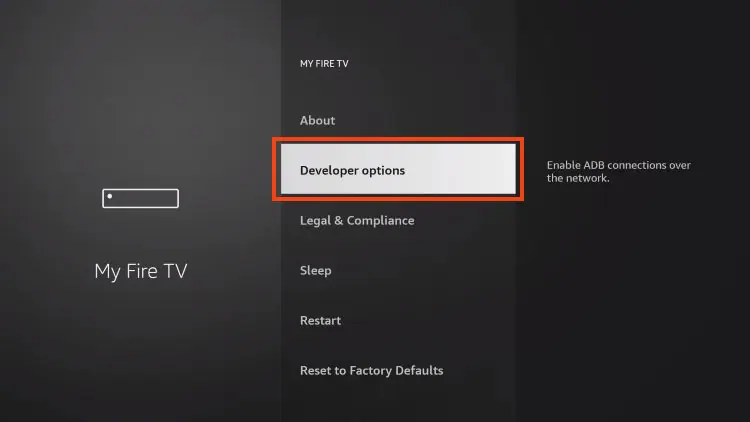
Step 4 If you do not see developer options Click on your Fire TV Stick quickly 7 times. Click the back arrow then you should see Developer Mode. For Fire TV Settings -> Device & Software -> About click Your TV several times until a pop up message reads “no need, you are already”. click back to the Device & Software menu, Developer Options should now be visible.
Step 5 You will see a notification at the bottom saying No need; you are already a developer. That’s it; you have enabled Developer Options